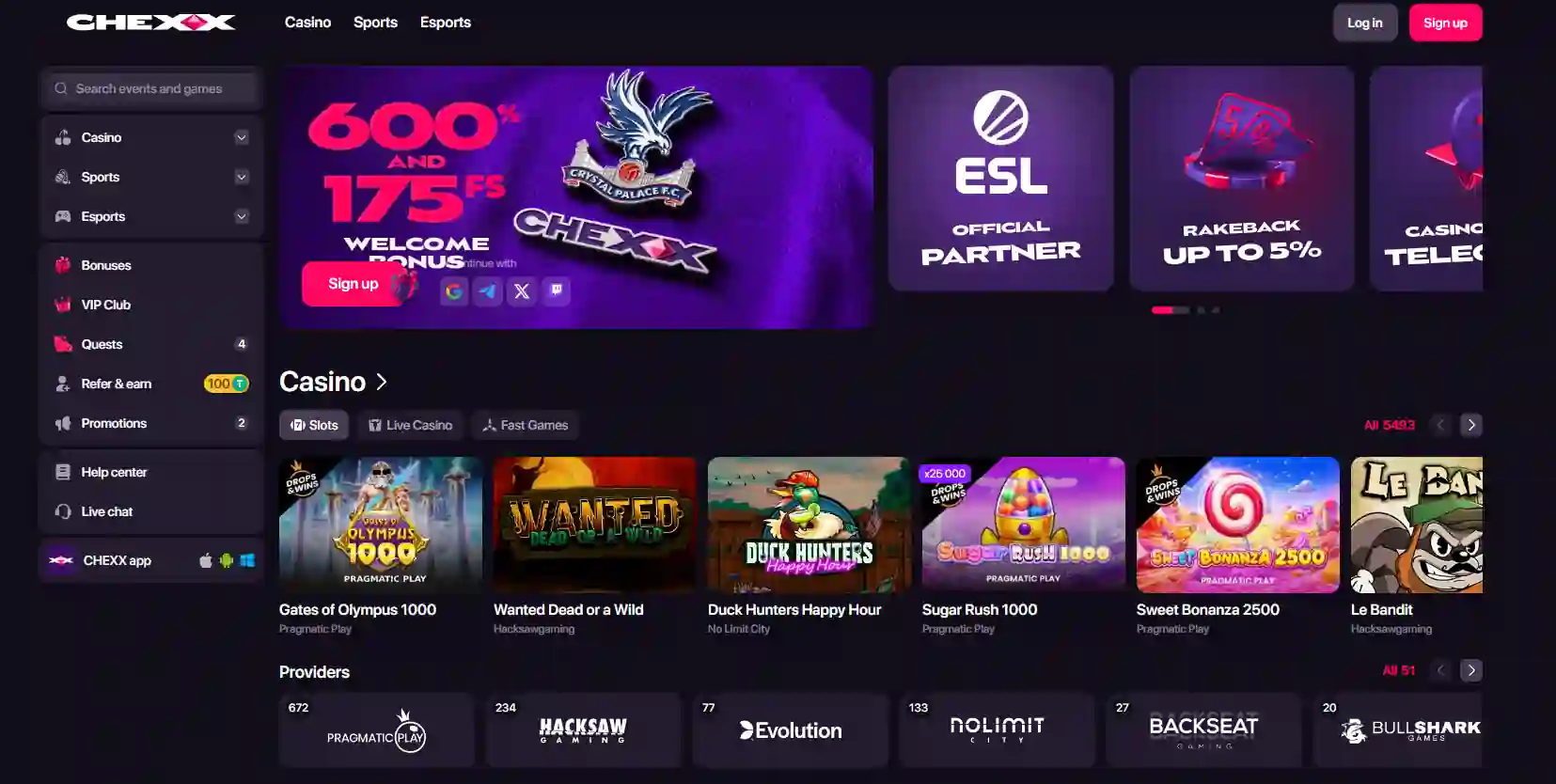
CHEXX account setup
CHEXX Registration, Security and Verification
CHEXX supports registration through email, Google, Telegram and WalletConnect. The account setup is separate from KYC: routine verification is not required, and KYC is triggered only if suspicious activity is detected.
Registration does not include routine KYC for every player. CHEXX requires the user to declare the country in writing, while KYC is triggered only if suspicious activity is detected. Prepare accurate account data and secure the chosen login method before depositing.
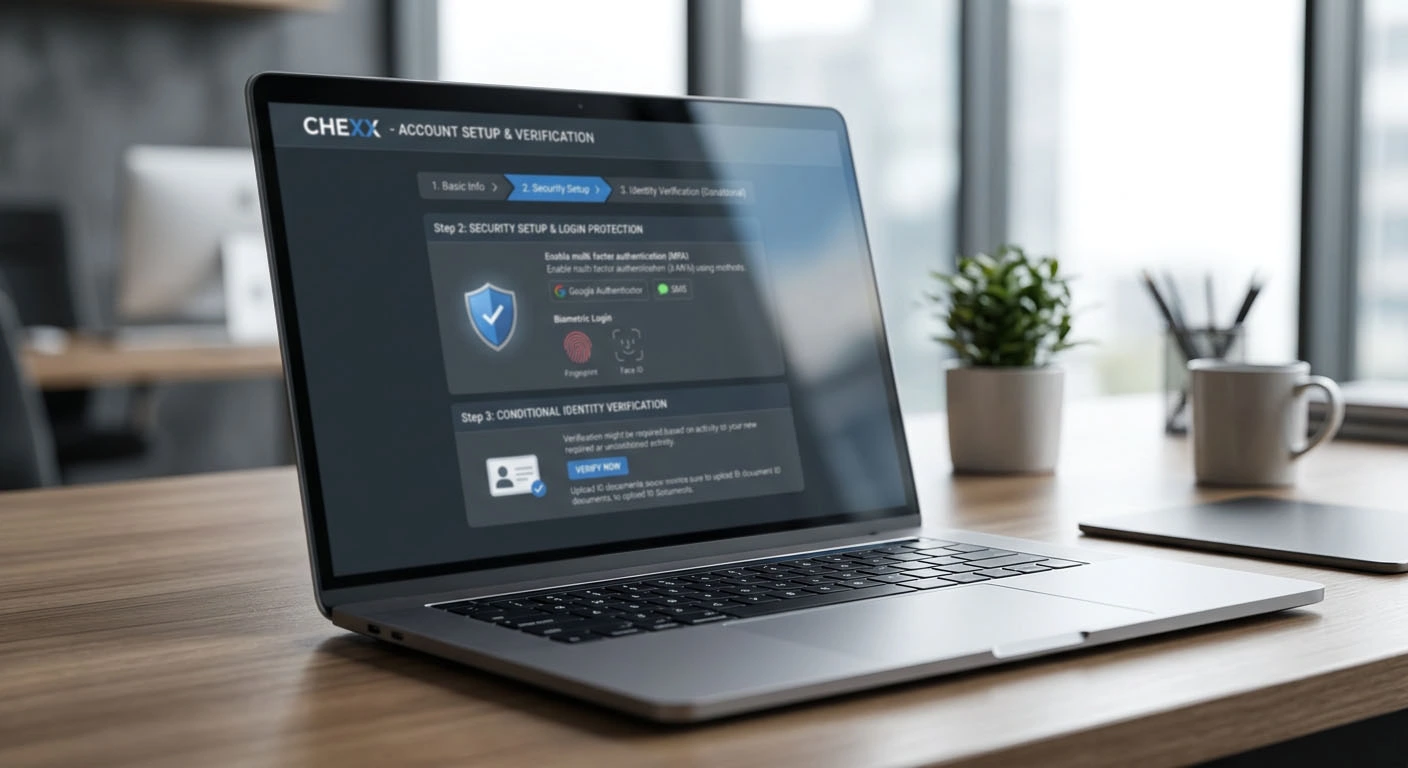
How to create a CHEXX account
- Open chexx.bet and choose the registration route that you control long term.
- Use email, Google, Telegram or WalletConnect.
- Provide accurate account information and declare the country of residence as required by CHEXX’s regulator-based restrictions.
- Confirm that the user is 21 or older and not located in a restricted jurisdiction.
- Secure the chosen login method before adding funds.
- Before depositing, check the chosen crypto route and any bonus conditions that will apply.
Routine KYC is not part of every signup. CHEXX states that KYC is required only if suspicious activity is detected.
Email, Google, Telegram or WalletConnect?
| Method | Convenience | Security dependency |
|---|---|---|
| Email and password | Direct, independent account credentials | Long-term access to the email and a unique password |
| Uses an existing Google login | Google account recovery and session security | |
| Telegram | Uses the Telegram account flow | Control of the linked Telegram account and phone security |
| WalletConnect | Links through a compatible wallet | Wallet access and careful approval of connection requests |
Choose the method whose recovery process you understand. Social or wallet login does not remove the need to secure the associated email and device. Never enter a wallet seed phrase into CHEXX or a login prompt. WalletConnect should request a connection, not private keys.
Keep the account identity consistent
Use one stable registration identity and keep access to the linked email, Google, Telegram or wallet account. Consistent details make support and any suspicious-activity review easier to handle.
If access is lost, use the official support channels rather than creating conflicting profile information. CHEXX lists 24/7 live chat, [email protected] and @ChexxSupportBot.
Secure the account before funding it
- Use a password not shared with email, exchanges or other casinos.
- Protect the registration email with multi-factor authentication where available.
- Review the domain before entering credentials or an email code.
- Do not save passwords on a shared browser or public computer.
- Keep the device operating system and browser updated.
- Never share a registration, recovery or withdrawal code with support.
- Store the user ID privately with account records.
- Log out after using a borrowed or unfamiliar device.
Email is central to signup, password recovery and withdrawal confirmation. Compromise of that inbox can affect several account controls at once.

If the email registration route does not complete
Confirm the address, inspect spam or filtered mail and retry only through the official CHEXX site. Do not follow unsolicited account-recovery links or share a password or wallet secret with anyone claiming to accelerate signup.
If the email route remains unavailable, use 24/7 CHEXX support or another supported registration method that you control, such as Google, Telegram or WalletConnect.
When CHEXX requires KYC
CHEXX’s stated verification position is direct: standard regulator-based restrictions require the user to declare the country in writing, and no additional confirmation is required by default. KYC is required only if suspicious activity is detected.
That means registration and KYC are not sequential levels that every player must complete. A normal account can be opened through the supported registration routes without routine identity-document verification. If the operator flags suspicious activity, verification can then become part of the account review.
Do not upload identity or financial documents pre-emptively. If KYC is triggered, use only the official CHEXX verification or support channel and provide the material actually requested for that review.
What to prepare if verification is triggered
There is no fixed three-level document sequence for every account. The operative rule is the trigger: KYC applies only when suspicious activity is detected.
If a verification request appears, first confirm that it is inside the official account or comes from an official support channel. Read the request exactly, provide only the required information, keep copies of what was submitted and never disclose a seed phrase, private key, password or one-time email code.
Handle a triggered KYC review carefully
Use accurate, consistent account information and submit only readable records requested by the official review. Do not alter documents or create a second account to avoid a verification request. Keep a private record of the request, submission date and support correspondence.

CHEXX does not publish a general five-minute KYC promise in these account rules. Its stated response window of up to 72 hours applies to an early self-exclusion restoration request, not routine KYC completion.
Handle verification data carefully
Verification records are sensitive. Upload them only from a private device and network. Avoid sending them through social media, unsolicited chat accounts or an email address that has not been independently confirmed as official.
Before uploading, confirm that each file is specifically requested for the verification case shown in the account or official support message. Do not alter information, but avoid exposing unrelated records when the platform permits an appropriate statement or page. Retain a private note of what was submitted and when.
Account recovery
Recovery depends on retaining control of the registration method. Protect the connected email, Google or Telegram account and keep the wallet secure if WalletConnect is used.
For a CHEXX account-access problem, use live chat, [email protected] or @ChexxSupportBot. Never provide a seed phrase, private key or password as part of a recovery request.
Self-exclusion is available for 1 to 21 days
CHEXX offers self-exclusion periods from 1 to 21 days. The restriction is activated in the account. Early restoration requests go to [email protected], with a stated response window of up to 72 hours.
The public age threshold is 21+. If gambling is causing financial or emotional harm, use the account restriction before another deposit or bonus decision and use the responsible-gambling resources linked by CHEXX, including GamCare and BeGambleAware.
Before the first deposit
Before funding the account, confirm that the 21+ age requirement and country restrictions are satisfied, choose a crypto route you understand and set a deposit and loss limit. CHEXX does not accept players from Belarus, Russia, Ukraine, the United States, Iran, North Korea or Myanmar.
Use personal details exactly as they appear on valid documents. Keep account information accurate so a triggered verification request can be answered consistently. A headline bonus should not determine whether registration is suitable.

Registration checklist
- The official site and terms have been reviewed.
- The email is secure and long-term access is expected.
- The password is unique.
- Only one account will be created.
- Personal information is accurate and document-consistent.
- Possible KYC requirements are understood.
- The user ID will be kept private.
- Account limits are set before depositing.
CHEXX registration questions
What registration methods are supported?
Email, Google, Telegram and WalletConnect are the supported signup routes.
Does CHEXX require KYC at signup?
No. The stated policy is KYC only when suspicious activity is detected.
What does the player declare during normal account use?
CHEXX states that the user must declare the country in writing under its regulator-based restrictions.
What is the minimum age?
CHEXX uses a 21+ public age threshold.
How long can self-exclusion last?
From 1 to 21 days. Early restoration requests go through [email protected], with a stated response window of up to 72 hours.
What to decide before pressing Sign up
Before pressing Sign up, confirm that the crypto-only payment model is suitable and that the account will be used within a fixed entertainment budget. The welcome package spans three deposits, so the registration decision should still make sense even if no bonus is selected.
Set a maximum deposit and loss limit before viewing the welcome offer. CHEXX divides its headline package across three deposits, which can encourage continued funding. A registration decision should remain valid even if no bonus is selected.
Keep the signup email, user ID, accepted-terms date, deposit TXIDs and verification submission details in a private location. These records assist recovery and disputes but should not sit in an unprotected shared note.

Keep profile information consistent
Use the same legal name and residential address that appear on valid documents. Inconsistent abbreviations, outdated addresses or nicknames can create avoidable verification questions. Do not edit images or obscure requested fields.
If personal details change, use the official profile or support process instead of opening another account. A support agent may ask for the private user ID to locate the profile but should not need the password or an email code.
Prepare without assuming routine verification
Because KYC is not a default signup stage, preparation should focus on account accuracy and secure access rather than collecting a large document pack in advance. Keep the registration email secure, use truthful profile data and retain transaction records after funding.
If suspicious activity triggers KYC, respond to the specific request through an official channel. This approach avoids oversharing sensitive information while keeping the account ready for a legitimate review.
First account checks after registration
After registration, verify the email or selected login method, locate transaction history, support and self-exclusion controls, and review the crypto deposit routes before sending funds. CHEXX supports 11 crypto assets across nine networks, so understanding the asset-network pair is more important than rushing into a first transfer.
Also confirm the declared country and remember the KYC rule: no routine verification is required unless suspicious activity is detected. If the account shows an unexpected verification request, use official support rather than opening another profile or sending documents through an unverified channel.
The full picture is in our CHEXX review for Singapore.
The next step: the first deposit.
Prepared by the Chexx Casino editorial staff.